Phoenix Public Library: Introduction to Gmail
Learn the basics of using Gmail. Students must be familiar with using a mouse and keyboard.
Free


Learn the basics of using Gmail. Students must be familiar with using a mouse and keyboard.
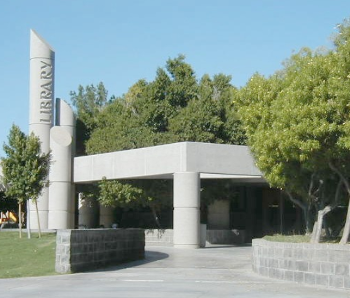
Learn the foundations of Microsoft Excel - including how to create, edit, and format data in a spreadsheet.
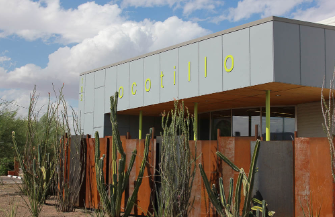
In this class, we'll review the design and functions of the mouse and keyboard. Come explore different features and tools and practice what you've learned in our staff supported computer lab. No computer experience required. This class will be presented in both English and Spanish. En esta clase revisaremos el diseño del mouse y el...
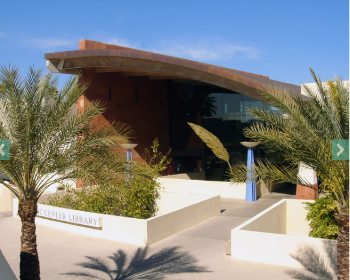
2-Sessions - Class dates: 5/5 & 5/7 Learn fonts, text entry, formatting, use of Undo/Redo, Find/Replace, Bullets/Numbering, and Copy/Paste. Taught using Word 2016, but techniques learned work with earlier versions. Prerequisite: Proficiency in the use of computer/mouse. Classes are taught on library supplied laptops.
Learn how to sort, filter, freeze panes, conduct basic math, and create charts. Then learn advanced Excel topics like how to create pivot tables, how to use multiple spreadsheets, and how to use absolute references, vlookup, and other techniques. Proficiency with Microsoft Excel is required.
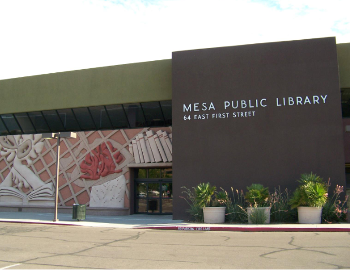
If you are new to the computer then Computer Basics is the place to start. This week we will continue to learn how to type on a keyboard. Laptops and mice are provided to the first 11 persons. You are more than welcome to bring your own device!