-
Google Drive es un servicio gratuito de almacenamiento en la nube que le permite acceder a sus archivos desde cualquier teléfono inteligente, tableta o computadora. Sin importar dónde se encuentre,...
Free


|
M
Monday
|
T
Tuesday
|
W
Wednesday
|
T
Thursday
|
F
Friday
|
S
Saturday
|
S
Sunday
|
|---|---|---|---|---|---|---|
6 events,
-
Google Drive es un servicio gratuito de almacenamiento en la nube que le permite acceder a sus archivos desde cualquier teléfono inteligente, tableta o computadora. Sin importar dónde se encuentre,...
Free
-

Join the Digital Age with our 8 WEEK SERIES of basic, beginning computer classes for an adult audience. If the internet baffles you and you don't know what the 'e'...
Free
-
Are you wishing someone could teach you how to use your personal phone,tablet or laptop? Do you want to know how to navigate on our computers and print things? Join...
Free
|
5 events,
-
Looking for a job? We can help with: writing a resume or cover letter, creating an email account, searching online for jobs, completing online job applications, preparing for an interview. Registration is not required. Times are subject to change. Please call for confirmation the day of the job help session. Ages 18+
Free
-

Need help using a computer? Website giving you trouble? Can't get an online form or application to work? Sign up for a 1 hour session with a library staff member; we can help! Ages 18+
Free
-
Hay muchísimas personas en el ciberespacio tratando de quitarle su dinero. Aprenda a evitar estafas en Internet y a crear contraseñas difíciles de descifrar. There are a whole lot of people out in cyberspace trying to separate you from your money. Learn how to avoid scams on the internet and set passwords that are hard to...
Free
|
7 events,
-
Need help using a computer? Website giving you trouble? Can't get an online form or application to work? Sign up for a 1 hour session with a library staff member; we can help! Ages 18+
Free
-
This workshop will cover scam and fraud prevention, the targeting of senior citizens, and best practices and quick tips for navigating the Internet. Email and Internet basics will also be covered.
Free
-
Google Drive es un servicio gratuito de almacenamiento en la nube que le permite acceder a sus archivos desde cualquier teléfono inteligente, tableta o computadora. Sin importar dónde se encuentre, siempre tendrá sus documentos a la mano. En este curso aprenderá a subir, descargar, compartir y organizar archivos en Google Drive. Requisito: Tener una cuenta...
Free
|
5 events,
-
In this course, learners will be introduced to different types of computers and their parts. They will practice how to turn on and log on to a computer, as well as log off and shut off a computer properly. Learners will practice basic mouse skills to manage files and folders on a desktop and be...
Free
-
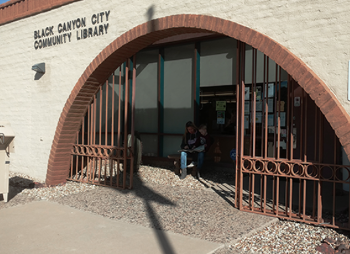
Need one-on-one computer help? Register by calling the library for a FREE individualized 45 minute computer session with Faith Dekens. The time slots are 10 AM, 10:45 AM, 11:30 AM and 12:15 PM. Please be on time. If you've registered and must cancel please place a courtesy call to the library. Bring your device if...
Free
-
Looking for a job? We can help with: writing a resume or cover letter, creating an email account, searching online for jobs, completing online job applications, preparing for an interview. Registration is not required. Times are subject to change. Please call for confirmation the day of the job help session. Ages 18+
Free
|
1 event,
-
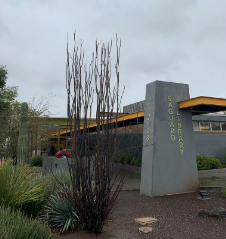
Staff will be available to provide one-on-one assistance with anything covered in our computer classes, ranging from keyboard and mouse usage to email and internet help. Assistance will also be available for downloading digital books, magazines, audiobooks, movies and music available to mobile devices (smart phones, iPads, tablets) and personal computers through phoenixpubliclibrary.org. Bring your...
Free
|
1 event,
-
In this course, you will learn the useful and fun features of Google, including how to store, manage, and access documents. Space is limited; registration is required. Ages 18+
Free
|
0 events,
|
4 events,
-
Join the Digital Age with our 8 WEEK SERIES of basic, beginning computer classes for an adult audience. If the internet baffles you and you don't know what the 'e' in email stands for, this class is for you! Each week we build on skills taught the week before, and you'll be surfing the web...
Free
-
Get help with a range of topics: Job Help (Résume, online applications), Wi-Fi printing, Internet and Email, Saving, organizing and printing files, Transferring photos, Microsoft Office (Word, Excel, Publisher, PowerPoint), Downloading music, eBooks, and other library resources, Basic computer, tablet, or phone use, And more! *Sign up for appointment at (520) 594-5390 or come to the...
Free
-
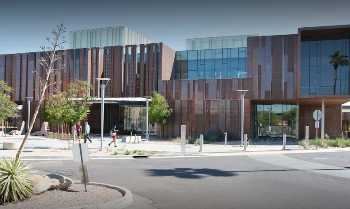
Join us to learn the basics of how to use this creative design tool. Students should be familiar with using a mouse and keyboard. Free tickets are available at the Service Desk 15 minutes before class. The computer training room is located on the 1st floor near the Teen section. Ages 18+
Free
|
8 events,
-
Prescott Valley Public Library presents Cybersecurity Class, beginning Tuesday, October 6, 2026, from 10AM-Noon. Join us for an informative and practical class designed to help you feel more confident and secure online. This course will cover the basics of staying safe in today’s digital world, including how to protect your personal information, recognize common online...
Free
-
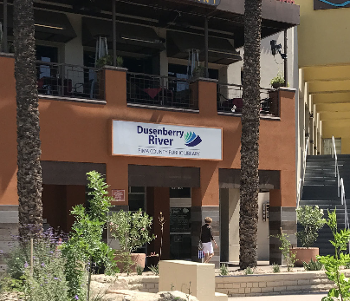
New to computers or want to build your confidence? Learn the essential skills for using a Windows 11 PC in this hands-on class. You’ll practice navigating the desktop, opening and managing applications, using Task Manager, finding and organizing files and folders, and saving and deleting files. Gain practical skills and confidence to use your computer...
Free
-
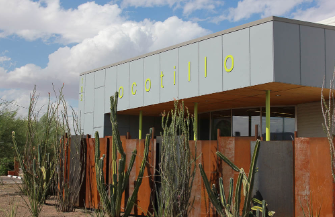
In this class, we'll dive deeper into Microsoft Word and learn how to use advanced functions like images, shapes, and page numbers. Familiarity with the mouse and keyboard is required. This class will be presented in both English and Spanish. En esta clase, aprenderemos Microsoft Word a lo más profundo y funciones más avanzadas como...
Free
|
6 events,
-
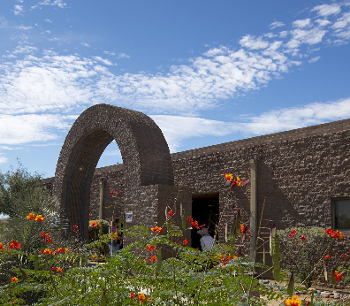
This class will teach entry-level computer skills. Participants will learn how to open a web browser, navigate internet searches, access and use email, basic computer safety, and more! Register the first day of class or go to https://literacyconnects.org/adult-language-literacy-programs/ to register.
Free
-
Looking for a job? We can help with: writing a resume or cover letter, creating an email account, searching online for jobs, completing online job applications, preparing for an interview. Registration is not required. Times are subject to change. Please call for confirmation the day of the job help session. Ages 18+
Free
-

Bring your own device and learn the essentials of using ChatGPT. A quick, beginner‑friendly intro to asking questions, getting helpful answers, and using AI for everyday tasks. Ages 18+
Free
|
5 events,
-
Do you need some basic computer help? Sign up for an individual session with our Digital Navigator at your library today! Bring your device if you can.
Free
-
Looking for a job? We can help with: writing a resume or cover letter, creating an email account, searching online for jobs, completing online job applications, preparing for an interview....
Free
-
Looking for a job? We can help with: writing a resume or cover letter, creating an email account, searching online for jobs, completing online job applications, preparing for an interview....
Free
|
0 events,
|
1 event,
-
Gmail is a free email service provided by Google. In many ways, Gmail is like any other email service: You can send and receive emails, block spam, create an address book, and perform other basic email tasks. But it also has some more unique features that help make it one of the most popular online...
Free
|
0 events,
|
2 events,
-
Are you wishing someone could teach you how to use your personal phone,tablet or laptop? Do you want to know how to navigate on our computers and print things? Join us on the second and fourth Mondays of each month for our Click, Type, Learn! Patrons are assisted on a "first-come-first served" basis and we...
Free
-
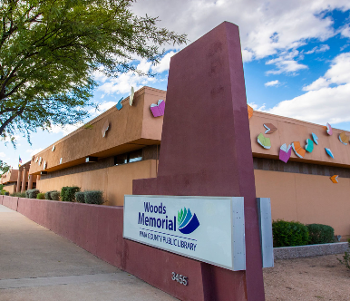
This class will teach entry-level computer skills. Participants will learn how to open a web browser, navigate internet searches, access and use email, basic computer safety, and more! Register the first day of class or go to https://literacyconnects.org/adult-language-literacy-programs/ to register. Ages 18+
Free
|
5 events,
-
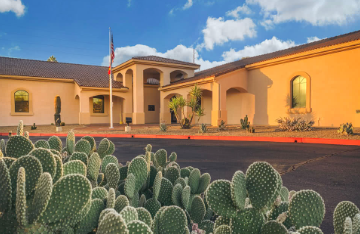
Join us to learn the ins and outs of using Etsy, eBay and other online selling sites. Ages 18+
Free
-
In this class, we'll take a closer look at Gmail. You'll learn how to search and organize messages, add attachments, and how to avoid Spam and Phishing. You will need a cell phone to create a Gmail account. Familiarity with the mouse and keyboard is required. This class will be presented in both English and...
Free
-
Looking for a job? We can help with: writing a resume or cover letter, creating an email account, searching online for jobs, completing online job applications, preparing for an interview. Registration is not required. Times are subject to change. Please call for confirmation the day of the job help session. Ages 18+
Free
|
7 events,
-
This class will teach entry-level computer skills. Participants will learn how to open a web browser, navigate internet searches, access and use email, basic computer safety, and more! Register the...
Free
-
Looking for a job? We can help with: writing a resume or cover letter, creating an email account, searching online for jobs, completing online job applications, preparing for an interview. Registration is not required. Times are subject to change. Please call for confirmation the day of the job help session. Ages 18+
Free
-

NOT SURE YET to visit the Pyle Center to share our technology program and the many ways we can support you and your technology needs. For more information, please contact...
Free
|
5 events,
-
Need one-on-one computer help? Register by calling the library for a FREE individualized 45 minute computer session with Faith Dekens. The time slots are 10 AM, 10:45 AM, 11:30 AM and 12:15 PM. Please be on time. If you've registered and must cancel please place a courtesy call to the library. Bring your device if...
Free
-
Looking for a job? We can help with: writing a resume or cover letter, creating an email account, searching online for jobs, completing online job applications, preparing for an interview. Registration is not required. Times are subject to change. Please call for confirmation the day of the job help session. Ages 18+
Free
-
Looking for a job? We can help with: writing a resume or cover letter, creating an email account, searching online for jobs, completing online job applications, preparing for an interview. Registration is not required. Times are subject to change. Please call for confirmation the day of the job help session.
Free
|
1 event,
-

Do you need some basic computer help? Sign up for a session with our Digital Navigator at Beaver Creek Library. Bring your device if you are able.
Free
|
1 event,
-
Did you know that if you have a Gmail account you also have access to other Google services? In this course you will learn a variety of Google applications such as YouTube, Translate, Maps, Calendar and more! Space is limited; registration is required. To attend the class, you must have a Gmail account. Ages 18+
Free
|
0 events,
|
4 events,
-
Join the Digital Age with our 8 WEEK SERIES of basic, beginning computer classes for an adult audience. If the internet baffles you and you don't know what the 'e' in email stands for, this class is for you! Each week we build on skills taught the week before, and you'll be surfing the web...
Free
-
Get help with a range of topics: Job Help (Résume, online applications), Wi-Fi printing, Internet and Email, Saving, organizing and printing files, Transferring photos, Microsoft Office (Word, Excel, Publisher, PowerPoint), Downloading music, eBooks, and other library resources, Basic computer, tablet, or phone use, And more! *Sign up for appointment at (520) 594-5390 or come to the...
Free
-
Learn the basics of using Gmail. Students must be familiar with using a mouse and keyboard. Free tickets are available at the Service Desk 15 minutes before class. The computer training room is located on the 1st floor near the Teen section. Ages 18+
Free
|
5 events,
-
NOT SURE YET to visit the Pyle Center to share our technology program and the many ways we can support you and your technology needs. For more information, please contact [email protected]. Ages 50+
Free
-
In this class, we'll go over the basic parts of a web browser and URL so that you can navigate the internet with confidence. Familiarity with the mouse and keyboard is required. This class will be presented in both English and Spanish. En esta clase se presentará los conceptos básicos de un navegador de internet...
Free
-
Looking for a job? We can help with: writing a resume or cover letter, creating an email account, searching online for jobs, completing online job applications, preparing for an interview. Registration is not required. Times are subject to change. Please call for confirmation the day of the job help session. Ages 18+
Free
|
6 events,
-
This class will teach entry-level computer skills. Participants will learn how to open a web browser, navigate internet searches, access and use email, basic computer safety, and more! Register the first day of class or go to https://literacyconnects.org/adult-language-literacy-programs/ to register.
Free
-
Looking for a job? We can help with: writing a resume or cover letter, creating an email account, searching online for jobs, completing online job applications, preparing for an interview. Registration is not required. Times are subject to change. Please call for confirmation the day of the job help session. Ages 18+
Free
-

Do you need some basic computer help? Sign up for an individual session with our Digital Navigator at your library today! Bring your device if you can. Ages 18+
Free
|
7 events,
-

Compudopt will be on-hand to teach computer skills to adults. Digital Skills Builder topics include: computer basics, internet use and safety, email basics, Google workspace, Google docs, Google slides, and tech for life. At the end of the workshop, each participant receives a refurbished laptop computer to keep. This program was made possible by GFiber.
Free
-

We provide one-on-one help with these topics: Library digital resources: including eBooks, audiobooks, streaming movies and TV, downloadable music, and more Computer basics: Windows, email, and Internet Microsoft Office: Word, PowerPoint, Excel Job help: resumes, online applications, and job searching Bring your own device (laptop, smartphone, or tablet), or use a library laptop. No registration...
Free
-
Looking for a job? We can help with: writing a resume or cover letter, creating an email account, searching online for jobs, completing online job applications, preparing for an interview. Registration is not required. Times are subject to change. Please call for confirmation the day of the job help session. Ages 18+
Free
|
3 events,
-
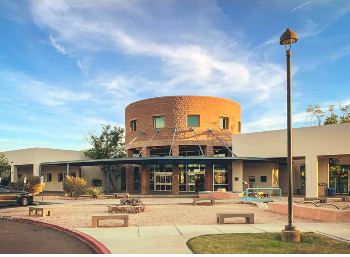
Learn the basics of Microsoft Excel in this beginner friendly class. Laptops and mice are provided. You are more than welcome to bring your own device. Registration is required. Ages 18+
Free
-
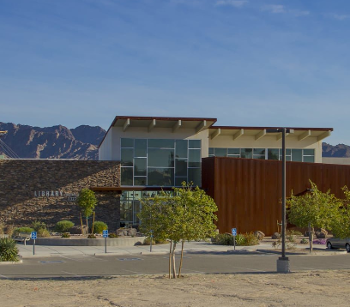
Never used a computer before? Start here! Learn computer basics from the ground up in a relaxed, beginner-friendly class. Discover how computers work, use the internet, send emails, and gain the confidence to use technology in everyday life. This session: Learn how to navigate the Windows interface. Registration is required. Sign up by phone or in person. Ages...
Free
-
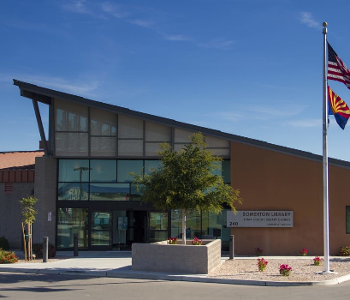
Learn to use a computer, navigate the internet, and use office programs! First come first serve, while supplies last. Aprenda a usar la computadora, navegar la red, y usar programas de oficina! Por orden de llegada, el aforo es limitado. Ages 18+
Free
|
1 event,
-
Use Google Docs to create and collaborate on online documents. Edit together with secure sharing in real-time and from any device. Space is limited; registration is required. Note: You need to have Google account (Username & Password) ready. Ages 18+
Free
|
0 events,
|
6 events,
-
Are you wishing someone could teach you how to use your personal phone,tablet or laptop? Do you want to know how to navigate on our computers and print things? Join us on the second and fourth Mondays of each month for our Click, Type, Learn! Patrons are assisted on a "first-come-first served" basis and we...
Free
-
Join the Digital Age with our 8 WEEK SERIES of basic, beginning computer classes for an adult audience. If the internet baffles you and you don't know what the 'e' in email stands for, this class is for you! Each week we build on skills taught the week before, and you'll be surfing the web...
Free
-
Get help with a range of topics: Job Help (Résume, online applications), Wi-Fi printing, Internet and Email, Saving, organizing and printing files, Transferring photos, Microsoft Office (Word, Excel, Publisher, PowerPoint), Downloading music, eBooks, and other library resources, Basic computer, tablet, or phone use, And more! *Sign up for appointment at (520) 594-5390 or come to the...
Free
|
5 events,
-
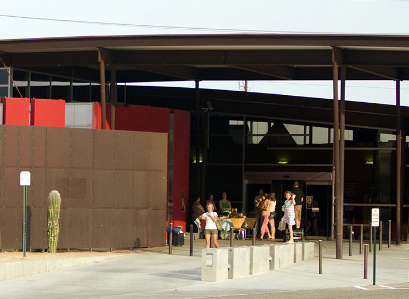
Looking for a job? We can help with: writing a resume or cover letter, creating an email account, searching online for jobs, completing online job applications, preparing for an interview. Registration is not required. Ages 18+
Free
-
Looking for a job? We can help with: writing a resume or cover letter, creating an email account, searching online for jobs, completing online job applications, preparing for an interview. Registration is not required. Times are subject to change. Please call for confirmation the day of the job help session.
Free
-
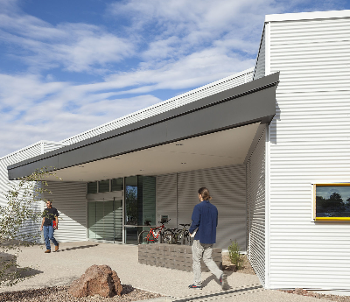
This interactive class will teach entry-level computer skills. Participants will learn how to open a web browser, navigate Internet searches, access and use email, basic computer safety, and more! Register on the first day of class or go to: Literacy Program Tucson | Literacy Connects Ages 18+
Free
|
7 events,
-
This class will teach entry-level computer skills. Participants will learn how to open a web browser, navigate internet searches, access and use email, basic computer safety, and more! Register the first day of class or go to https://literacyconnects.org/adult-language-literacy-programs/ to register.
Free
-
Looking for a job? We can help with: writing a resume or cover letter, creating an email account, searching online for jobs, completing online job applications, preparing for an interview. Registration is not required. Times are subject to change. Please call for confirmation the day of the job help session. Ages 18+
Free
-
Get help with a range of topics: Job Help (Résume, online applications), Wi-Fi printing, Internet and Email, Saving, organizing and printing files, Transferring photos, Microsoft Office (Word, Excel, Publisher, PowerPoint),...
Free
|
6 events,
-
We provide one-on-one help with these topics: Library digital resources: including eBooks, audiobooks, streaming movies and TV, downloadable music, and more Computer basics: Windows, email, and Internet Microsoft Office: Word, PowerPoint, Excel Job help: resumes, online applications, and job searching Bring your own device (laptop, smartphone, or tablet), or use a library laptop. No registration...
Free
-
Looking for a job? We can help with: writing a resume or cover letter, creating an email account, searching online for jobs, completing online job applications, preparing for an interview. Registration is not required. Times are subject to change. Please call for confirmation the day of the job help session. Ages 18+
Free
-

Learn the essentials of using CHATGP in this quick, beginner-friendly class. You'll learn how to ask questions, get helpful answers, and use AI for everyday tasks. Everyone invited to attend! Ages 18+
Free
|
0 events,
|
1 event,
-
In this course, you will learn all about Google Drive and how to create and save documents, how to upload files to Google Drive, and how to share files. Space is limited; registration is required. Note: You need to have google account (Username & Password) ready. Ages 18+
Free
|
0 events,
|