🖥️ Pima County Public Library: Computer Basics – Windows 10
If you’re new to using a computer or want to build more confidence using the Windows 10 operating system, this workshop is for you. You’ll learn how to find your...
Free


If you’re new to using a computer or want to build more confidence using the Windows 10 operating system, this workshop is for you. You’ll learn how to find your...
Use Microsoft Word to create, read, edit and save texts. In this class, you will learn how to make edits, format text, use spell check, insert images, drawing tools, tables, headers...
To introduce beginners to photo enhancement using phone applications and teach them basic techniques to enhance their photos or make their own drawings pop with more life. An element of...

Learn about TBD Please bring your library card, phone/tablet/pad
Drop in for help with a wide variety of Library Digital Resources, including the Library website, eBooks, audiobooks, streaming movies, downloadable music, and more. Additional computer help is available for...
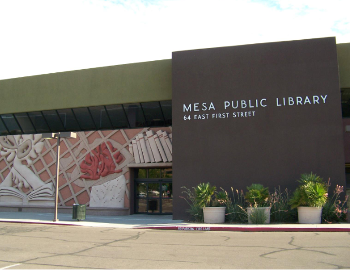
Every week we will create awesome projects using all sorts of different apps. Learn vector graphics, raster graphics, pixel graphics, animation, and how to take your own work to the...
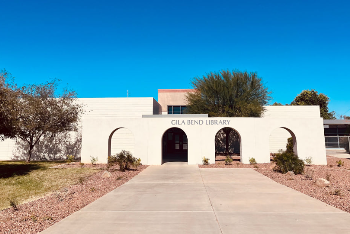
Teen Tuesday is open to all children in grades 7-12. Today's Activity: DIY Cricut Etched Glass Candle Holders Learn how to use the Cricut to create your own etched glass designs. All materials will be provided. No registration required.

In today’s digital world, anyone can publish their writing. Anyone can make a movie. The democratization of knowledge or content creation has given a voice to untold stories. But there...